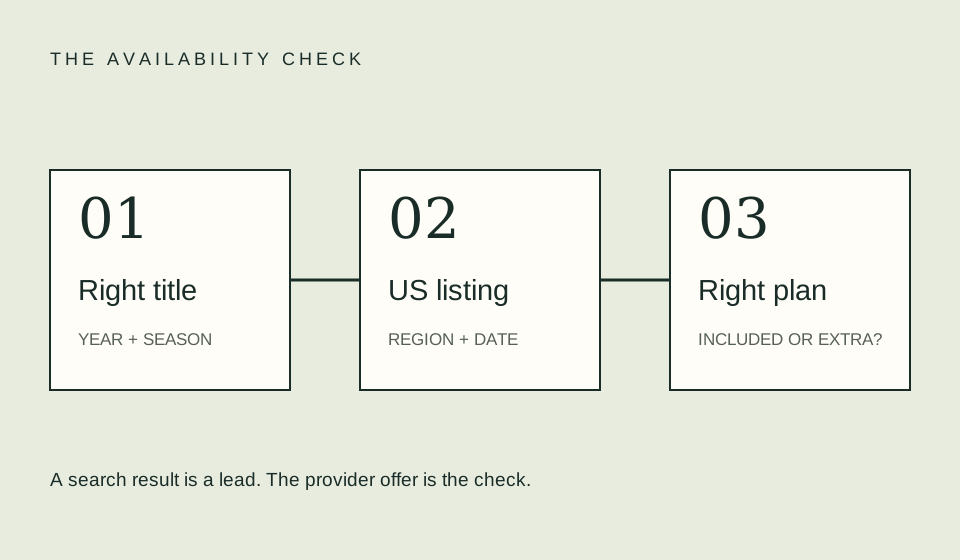
Treat a channel subscription offered inside another app as a separate entitlement until the offer explicitly says otherwise. Check who bills you, which titles the channel includes, and where you can use the subscription. Seeing a channel’s name in a host app does not establish that your base subscription includes its catalog.
Draw the account chain
Write down the app you are using, the base subscription you already hold, and the additional channel named beside the title. These can be separate parts of the viewing route. A device maker, storefront, service, and channel may all appear during one search; do not treat them as a single company account.
A simple private note can say: “I opened this app, signed in using this account, and was offered this channel.” Keep the email address out of public screenshots. The purpose is to trace the entitlement, not to collect more personal information than needed. If a family member subscribed, establish the account route together before changing anything.
Read the entitlement language
Look for wording that distinguishes included viewing from a trial, channel subscription, rental, or purchase. Open the details rather than interpreting a prominent play-shaped button as free access. If the next screen asks for a payment authorization, read the amount and renewal terms before continuing.
Do not assume the channel catalog in one route matches another route in every respect. Confirm your particular season, episode, and required features in the offer you are considering. This is a checking instruction, not a claim that any named provider necessarily has different catalogs. When the listing is unclear, ask the host’s support team about the exact title URL.
Avoid paying twice
Review your receipts and active subscriptions before starting an additional plan. Search for the provider name, channel name, and storefront name that might appear on the receipt. An account page in one app may not explain a subscription billed through another route. Use the billing source shown in your actual records.
An illustrative duplicate would be a $10 direct subscription plus a $10 channel subscription that you did not intend to hold simultaneously. Together they cost $20 for that cycle. This does not mean they provide identical access or that either one can be refunded. It shows why tracing billing before authorizing another payment matters. These figures are examples, not current prices.
Confirm where playback works
Before choosing a route, check the official instructions for the devices and apps you want to use. A subscription sold through a host may require playback or account activation in a particular way. Do not assume that entering the same email address in another app automatically transfers an entitlement.
Test on the intended television or streaming device using the supported sign-in route. A working session on your phone establishes only that route, not every other device. If you see another subscription prompt, stop and inspect the account chain instead of repeatedly signing up. Keep error messages and support instructions so you can distinguish an activation problem from an absent entitlement.
| Question | Evidence to keep |
|---|---|
| Who charges me? | Receipt and billing account |
| What is included? | Channel offer and season listing |
| Where do I watch? | Official activation and device instructions |
| When does it renew? | Account’s displayed billing date |
| How do I stop renewal? | Instructions for the actual billing route |
Calculate the complete route
If a base plan is required, include it in the total cost unless you already hold it for another reason and are comparing only the additional amount. Be explicit about which perspective you use. “Additional monthly spending” and “total household streaming spending” answer different questions.
Use the budget tool to combine amounts you have personally confirmed. For example, an illustrative $12 base plan and $8 add-on total $20 per cycle before other charges. If you keep them for two cycles, the combined subscription amount is $40. Do not multiply a promotional amount across a period that extends beyond the offer without checking its terms.
Leave a clear cancellation trail
Record the billing owner and how the account says renewal is managed. Removing an app is not evidence that the subscription has stopped. After any cancellation action, look for the confirmation and the displayed access-end or renewal status. Avoid making promises about immediate termination, prorating, or refunds; those must be checked against the applicable arrangement.
If you cannot identify the billing owner, start with the charge or receipt and follow the named support route. Do not send full payment-card details to an unofficial support address found in a search ad. A support request can usually begin with a description of the route and transaction date while you remain inside the authenticated official service.
FAQ
Does the channel logo mean it is part of my base plan?
No. Read the title’s actual offer and the account’s subscription details. The logo identifies a possible route, not your entitlement.
Can I watch in the channel’s separate app?
Check official activation instructions for your subscription route. Do not assume access transfers merely because the email address matches.
Which company should receive a billing question?
Start with the billing owner shown on the receipt or account charge. Explain the host app and channel involved so the support team can trace the route.
Related guides
Sources
- Prime Video official help — check current account, channel, and purchasing instructions for that route. No cross-service entitlement is assumed here.